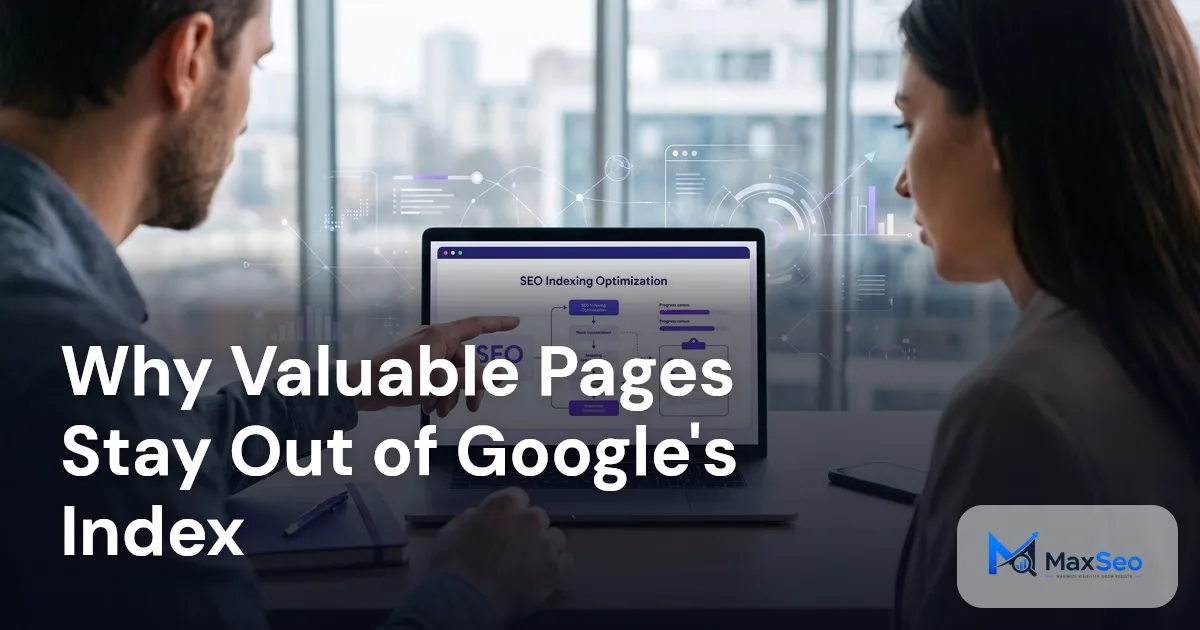
Top Reasons Your Valuable Pages Aren't Google Indexed
Google may not index valuable pages due to crawlability restrictions, discovery problems, or content quality concerns. Optimizing these factors by improving content, strengthening structure, and removing technical barriers can significantly increase your site's visibility and indexing rates.
What is Google Indexing and How Does it Work?
Google's indexing process involves finding web content through crawling, sorting and organizing it, and determining which pages deserve to be indexed depend on their relevance and overall quality. Google's recent Search Console enhancements provide better performance insights, especially for AI-generated results.
Why Indexing Matters
Indexed pages appear in search results and drive search visibility. A page crawled but not indexed is currently deemed unsuitable, often due to low quality or redundancy. According to analysis from SEO experts at MonsterInsights, inclusion in Google's index is essential for potential visibility and traffic.
Why Are Some Valuable Pages Unindexed?
While Google’s process is selective, addressing specific issues can help get valuable pages indexed:
1) High Quality E-E-A-T Thresholds
Google uses E-E-A-T (Experience, Expertise, Authoritativeness, Trustworthiness) benchmarks rigorously. Pages lacking unique insights or high quality content may not meet these criteria, even if they're valuable to specific audiences. Prioritizing these elements is essential in the evolving generative AI search landscape.
2) Domain Trust and Probation Periods
New websites may experience temporary indexing limitations as Google assesses trust and authority. In this probation period, valuable pages can remain unindexed. Focusing on authoritative citations and mentions could improve these metrics, as seen in evolving AI driven SEO strategies (Source: SEO Industry Insights, 2026).
3) Internal Linking: Key for SEO
Effective internal linking prioritizes pages for crawling. New or valuable content should link to established, high traffic pages to improve indexing chances. Relate this to strategies applicable to increasing Google indexing coverage. You might find it helpful to read more about how search engines find important pages.
4) Technical URL and Directive Issues
Common technical errors like 'noindex' tags or incorrect canonical URLs prevent indexing. Addressing these misconfigurations ensures essential pages are accessible for indexing. Google Search Console now offers enhanced tools to provide insights into these issues.
Finding Information by Crawling
Crawling is the first stage of Google's indexing process. The Googlebot discovers new content by following links. Strong internal linking from high authority pages increases crawl frequency and efficiency, helping new pages get indexed faster.
How Long Does Google Indexing Take?
The amount of time Google needs to index a webpage can differ considerably. For some pages, this might happen within a few hours, while for others, it might take a few weeks. Factors influencing speed include the site’s authority, content freshness, and existing crawling schedules determined by Google's algorithms.
Best Practices for Indexing Your Pages
Enhance your site's indexing capabilities by implementing these practices:
1) Technical Indexing Essentials
Ensure Googlebot can access your pages. Each page should return an HTTP 200 status code and contain crawlable text. Avoid using noindex tags unnecessarily. As of 2026, evolving tools also emphasize focusing on metrics related to citation quality (Source: SEO Industry Insights, 2026).
2) Sitemaps and URL Submissions
XML sitemaps assist Google in discovering site content. Regularly update sitemaps with significant structural changes or new content. Google Search Console enhancements now facilitate checking sitemap performance in AI results.
3) Enhance Internal Linking Strategies
Prioritize linking new or critical pages with established ones. This strategy improves crawling priority and indexing potential, aligning with methods for optimizing organic growth and search visibility. This is especially relevant when trying to maximize brand visibility with Google preferred sources.
4) Address JavaScript Issues
Ensure Googlebot can effectively render pages relying on JavaScript. Use server side rendering when necessary to improve crawlability and SEO performance.
How to Check if Google Has Indexed Your Site
Use Google Search Console’s URL Inspection tool to check if your pages are indexed. This tool identifies issues affecting indexation and lets you submit indexing requests, a crucial part of search engine strategy.
Is It Okay if a Page Isn’t Indexed?
Not all pages need or benefit from indexing. Duplicate content, pages intended for internal use, or low value content might be excluded from the index. However, frequently review and optimize key business pages for indexing to maintain and bolster visibility.
Navigating Search Console Reports
Google Search Console reports track indexing issues and crawl errors and provide tools to request page indexing. Regular audits can identify and correct trends in non indexed pages, supporting continuous optimization.
Conclusion
Ensuring Google indexes your valuable pages requires a balance of technical precision, content strategy, and ongoing optimization. Adopt these practices, use advanced tools for insights, and regularly evaluate your site's indexing health. To see how MaxSEO's AI driven solutions can enhance your strategy, request a demo today.
FAQ's on Google Indexing
How can I check if my page is indexed?
Use Google Search Console’s URL Inspection tool. It helps identify indexing issues and lets you submit indexing requests, which is vital for SEO strategy.
Why was my page removed from the index?
Deindexing can occur due to duplication, policy violations, or insufficient unique value following algorithm updates, affecting page visibility.
How often should I update my XML sitemap?
Update your sitemap when you make significant changes or add valuable content to help ensure new pages are considered for indexing.